
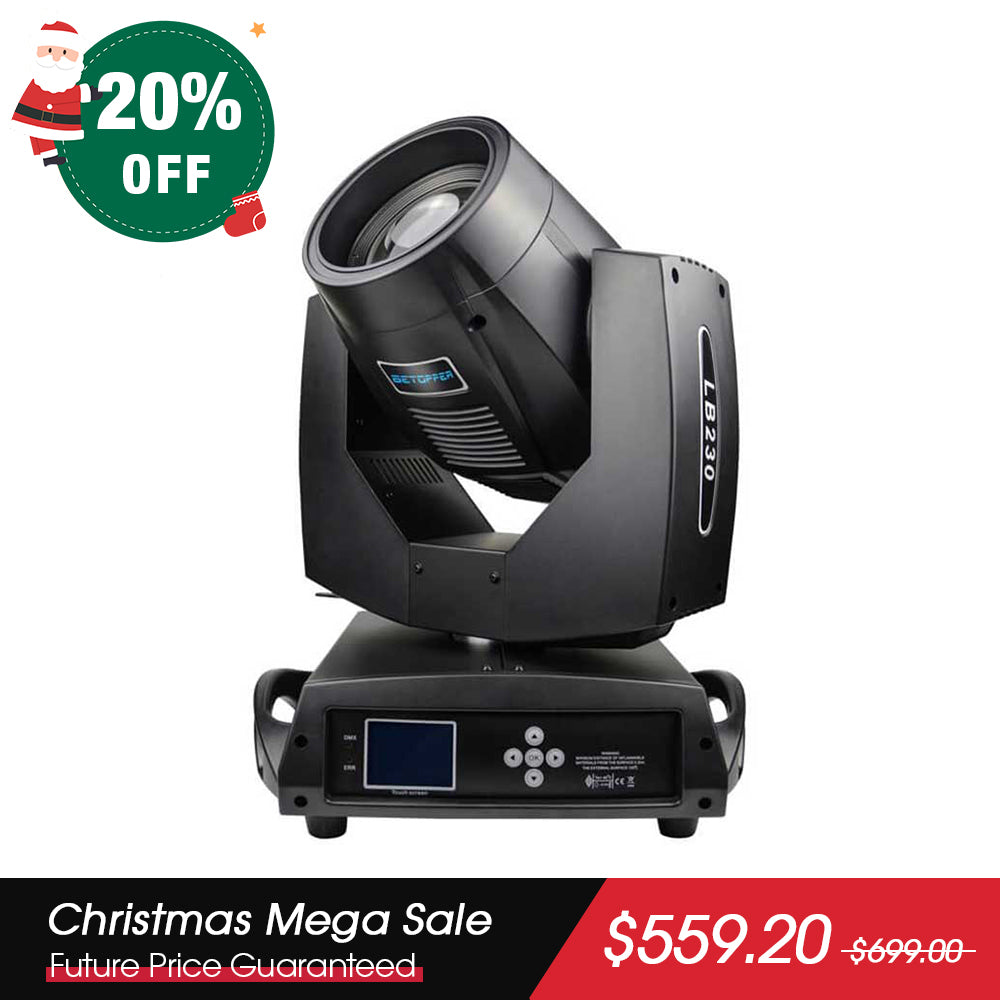
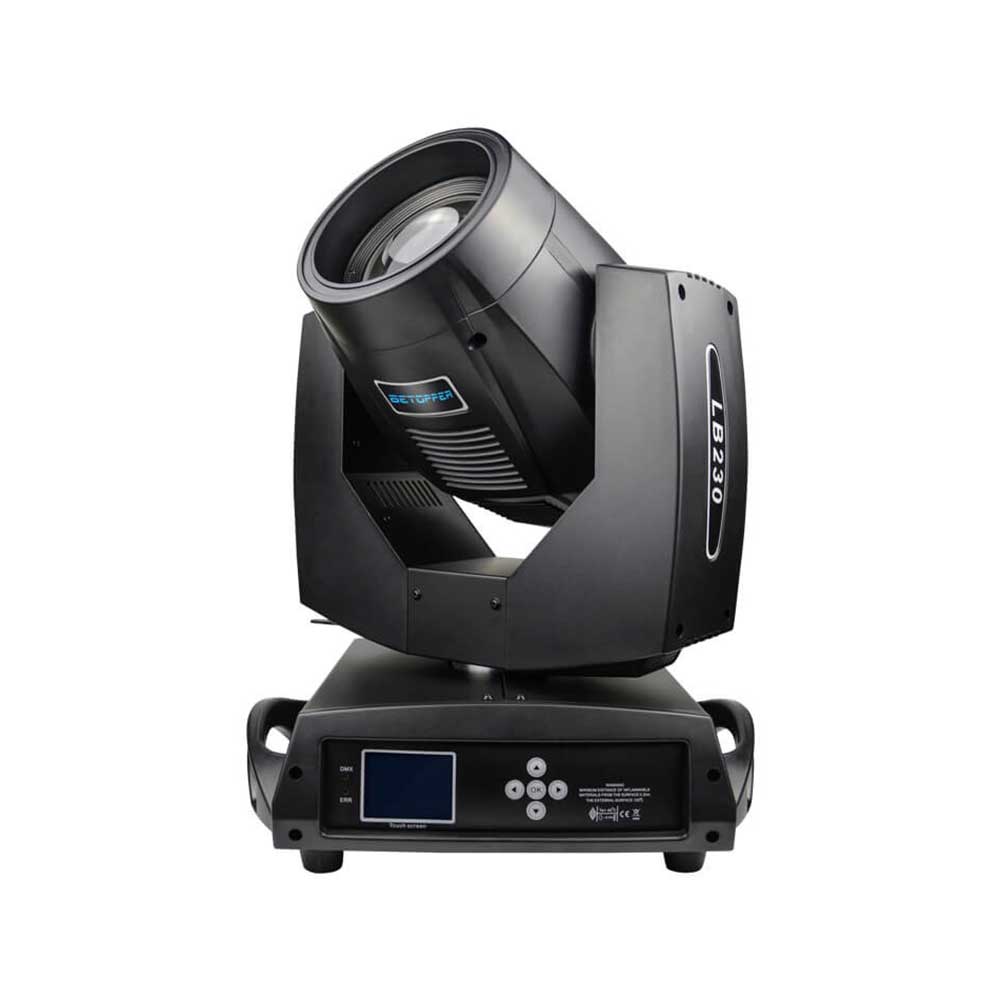
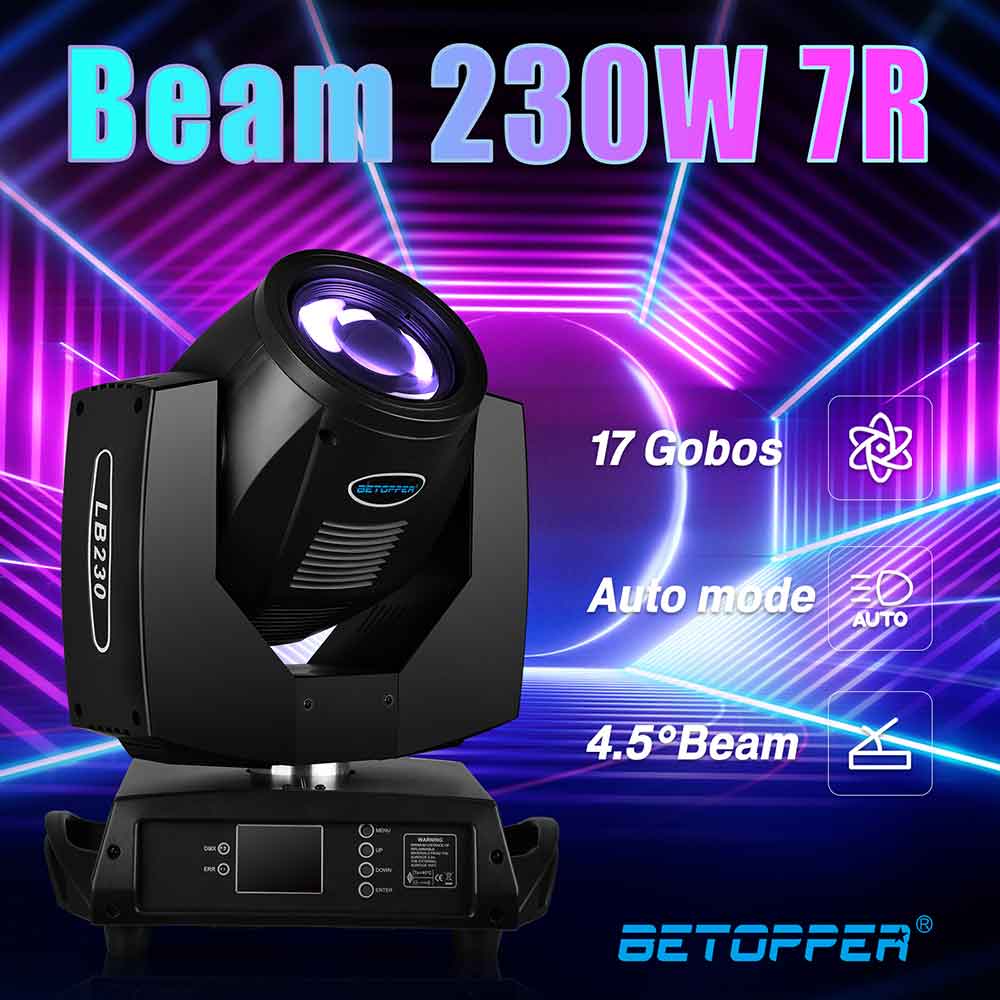
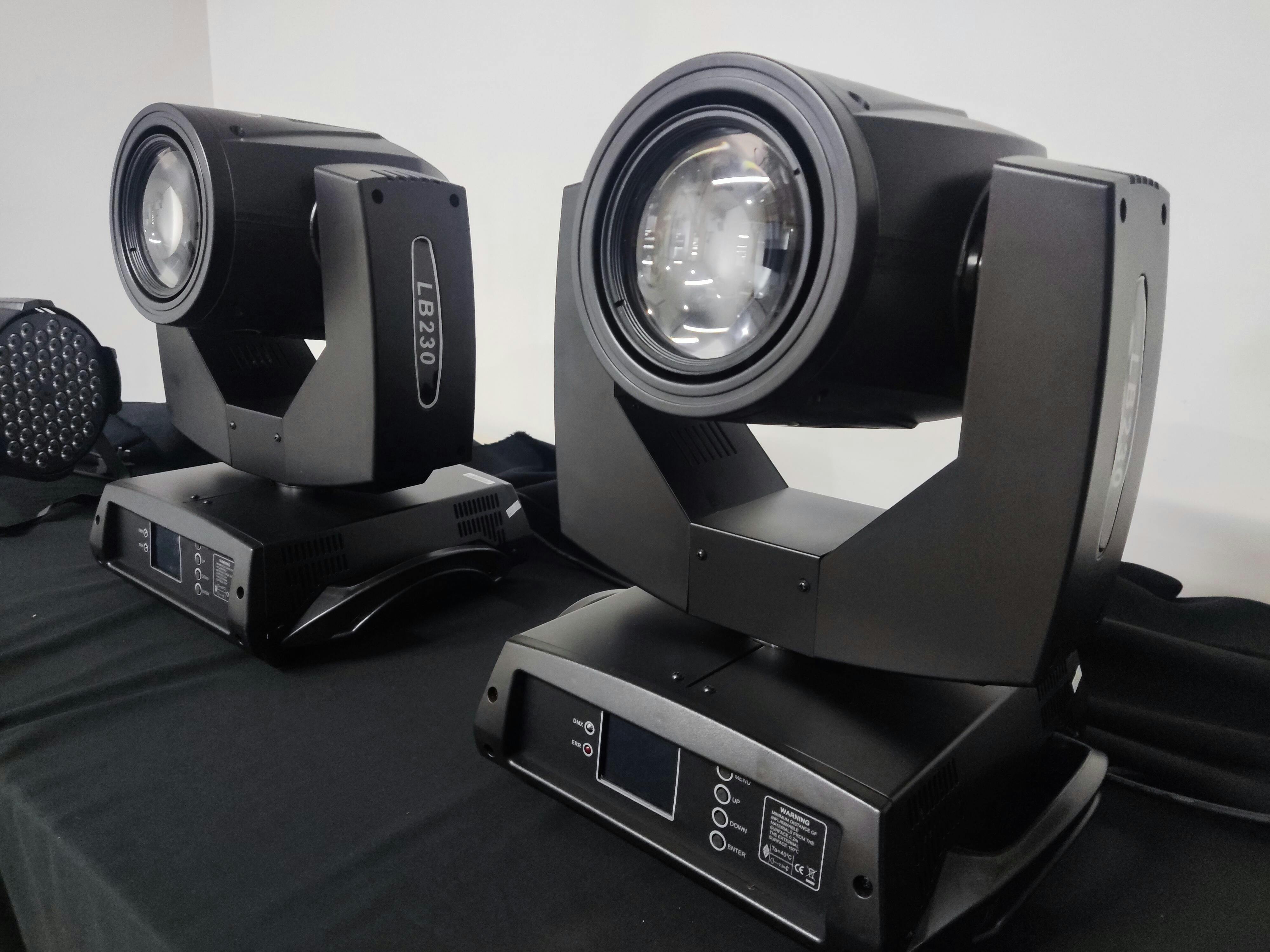
Betopper LB230 7R 230W DJ Moving Head Strahler
Specifications
Power supply :100-240V AC/ 50-60HZ
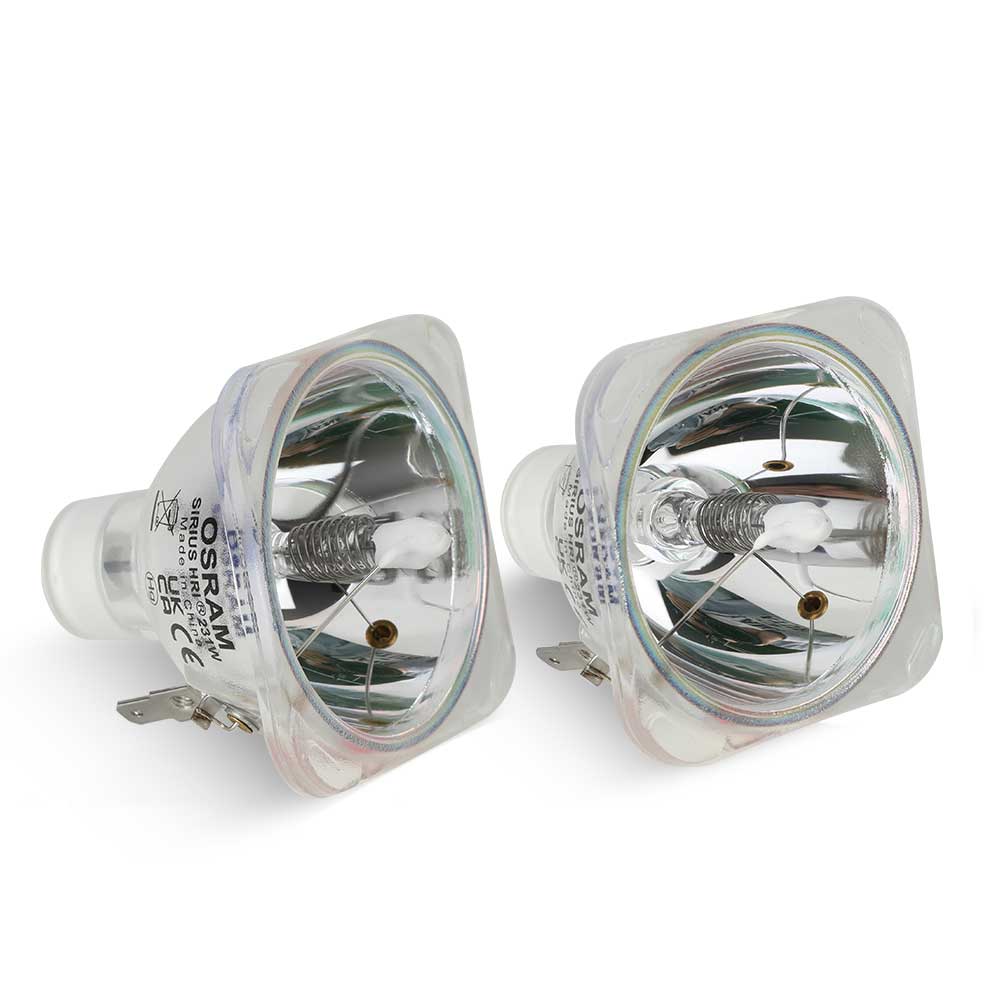
Source : OSRAM 230W 7R
Color temperature : 8000K
Rated power : 500W
Average life span : 2000H
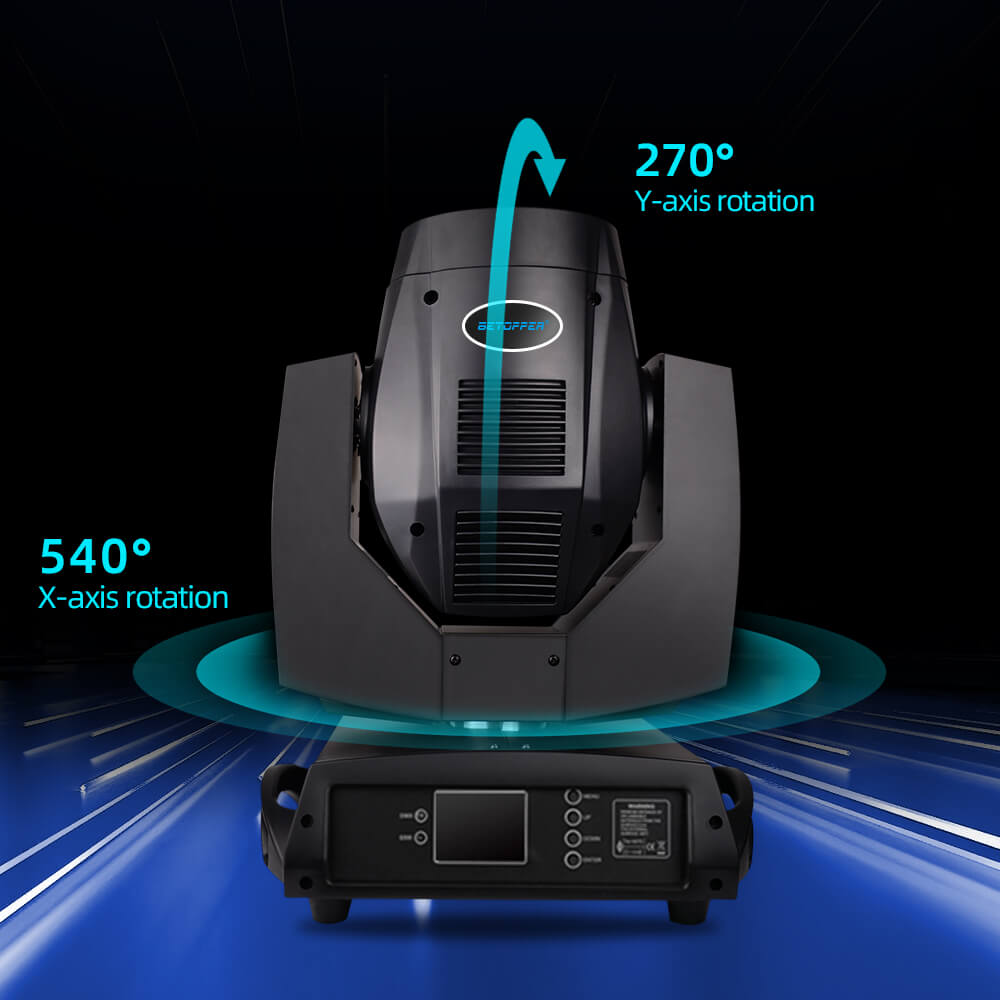
Movement Range : X axis:540°, Y axis:270°
Scanning speed : 5s( X-axis)/3s (Y axis)
Beam angle : 8°( X-axis)/ (Y axis)
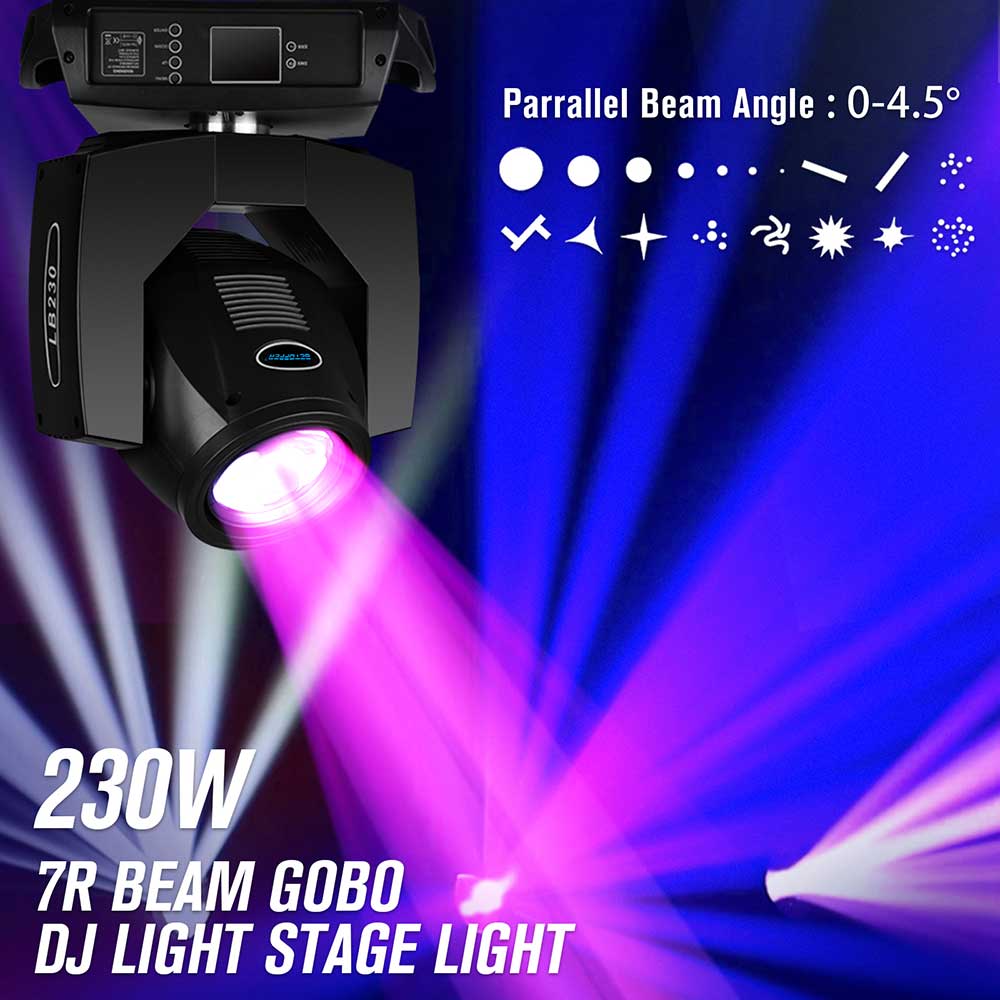
Parallel Beam Angle : 0-4.5°
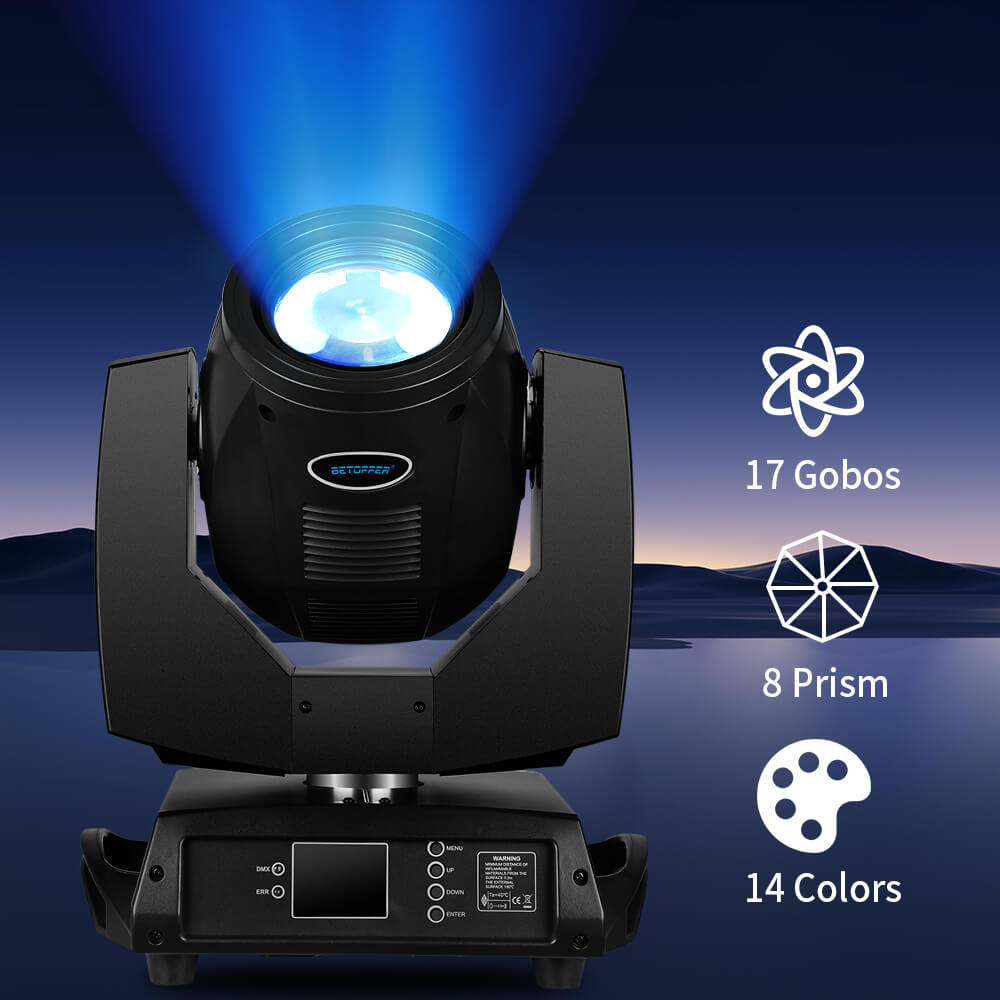
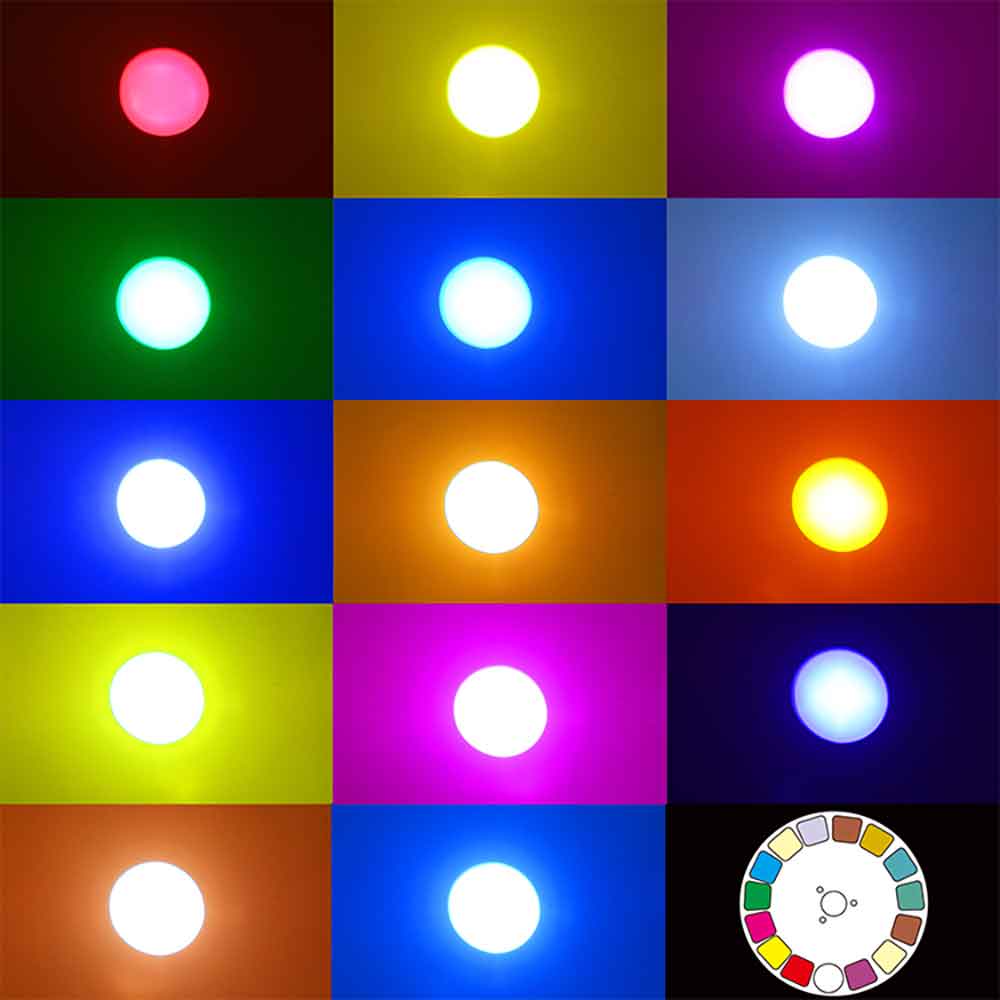
Color : 14 color +Blank
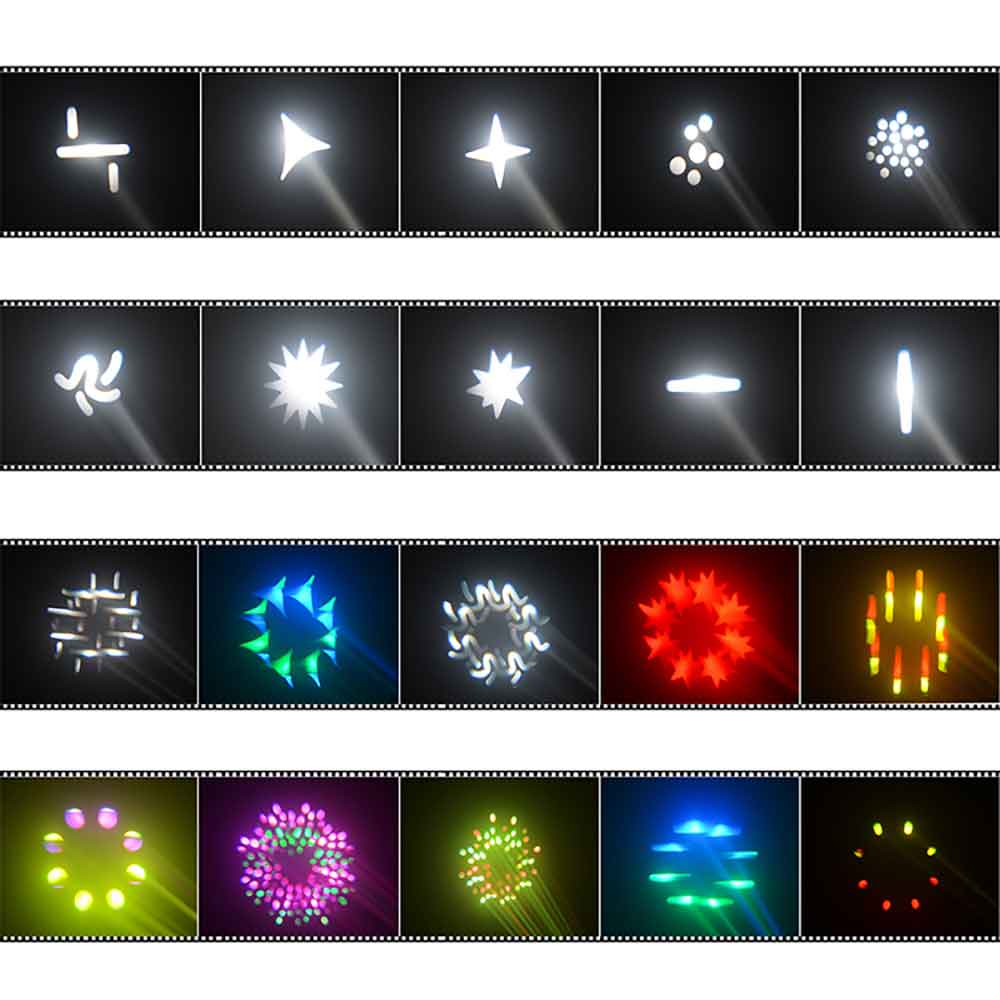
Pattern :17+Blank
Prism : 8 prism
Lens : High-precision optical lens
Dimmer : 0-100% linear dimmer
Strobe : 1-12 times/s double strobe
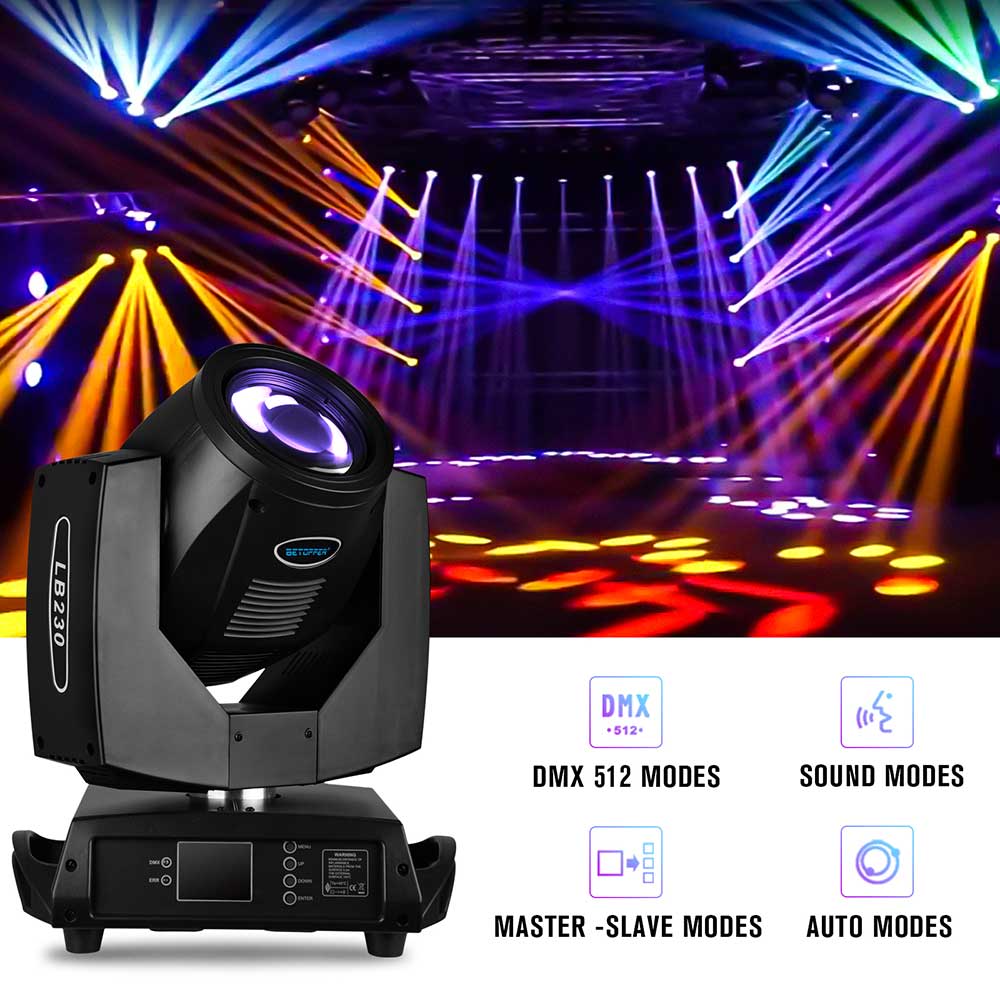
Control Mode : Sound/Auto/DMX512/ Master-Slave
Channel : 16/20
User Manual Download
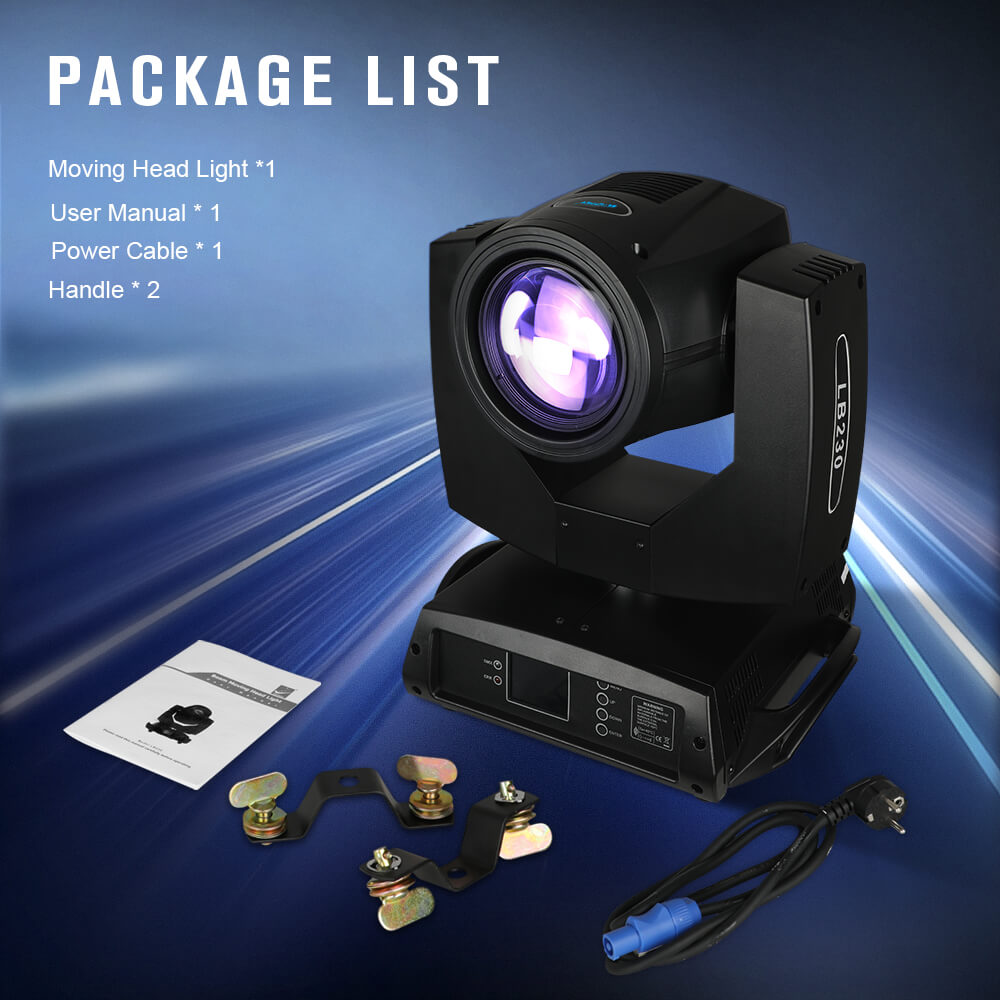
Package List
Moving Head Light *1
Power Cable * 1
Handle * 1
User Manual * 1


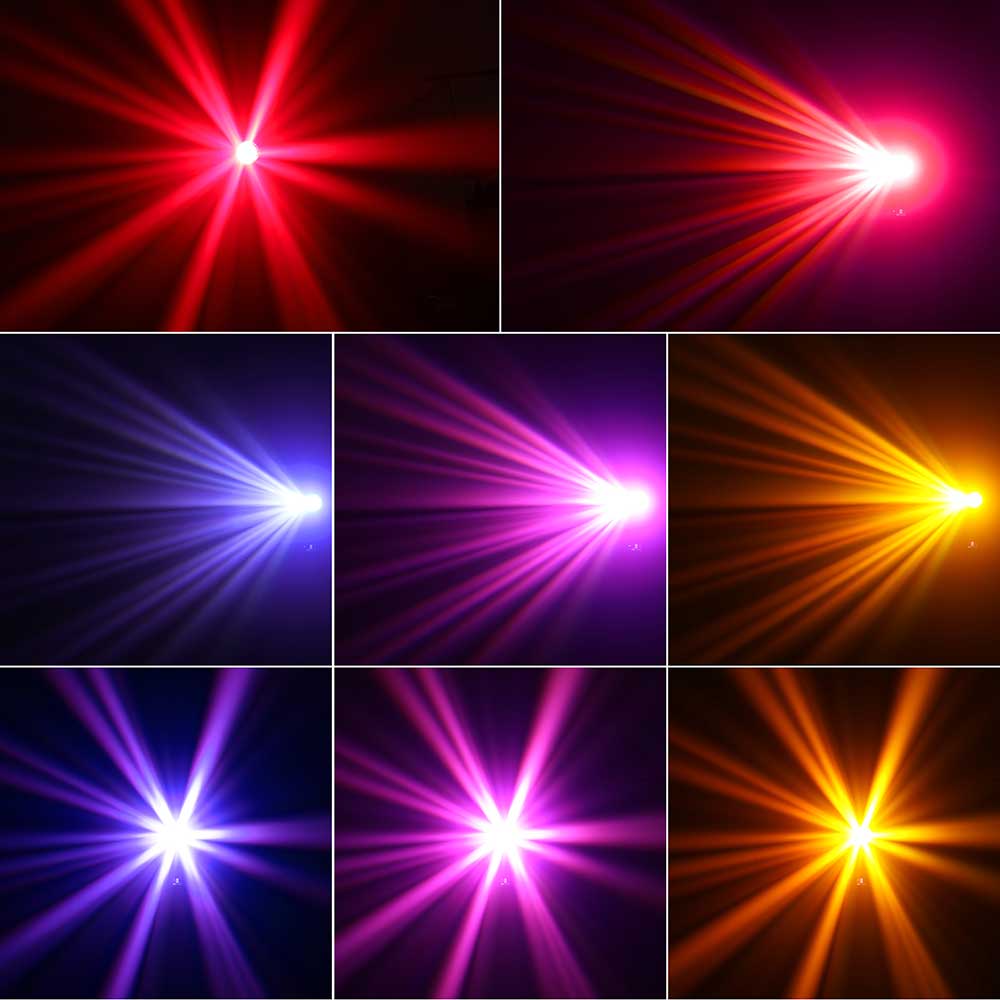
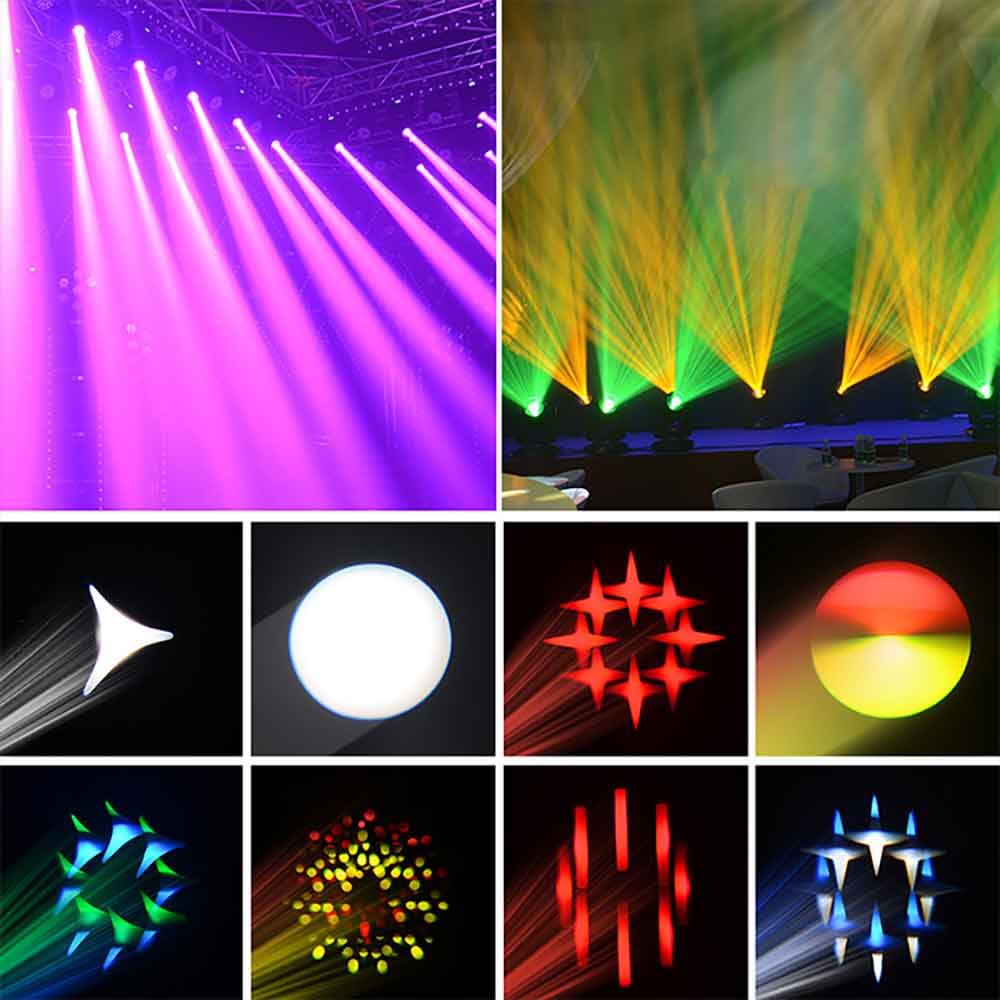
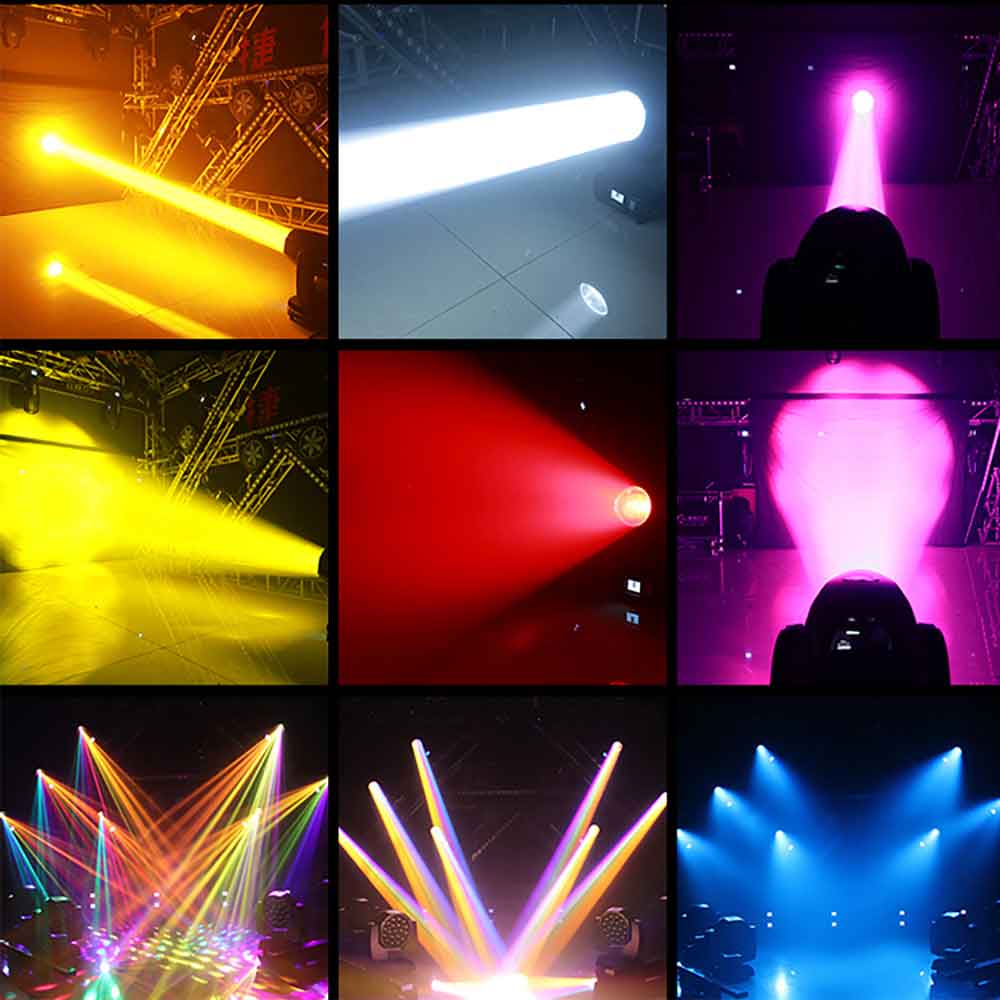
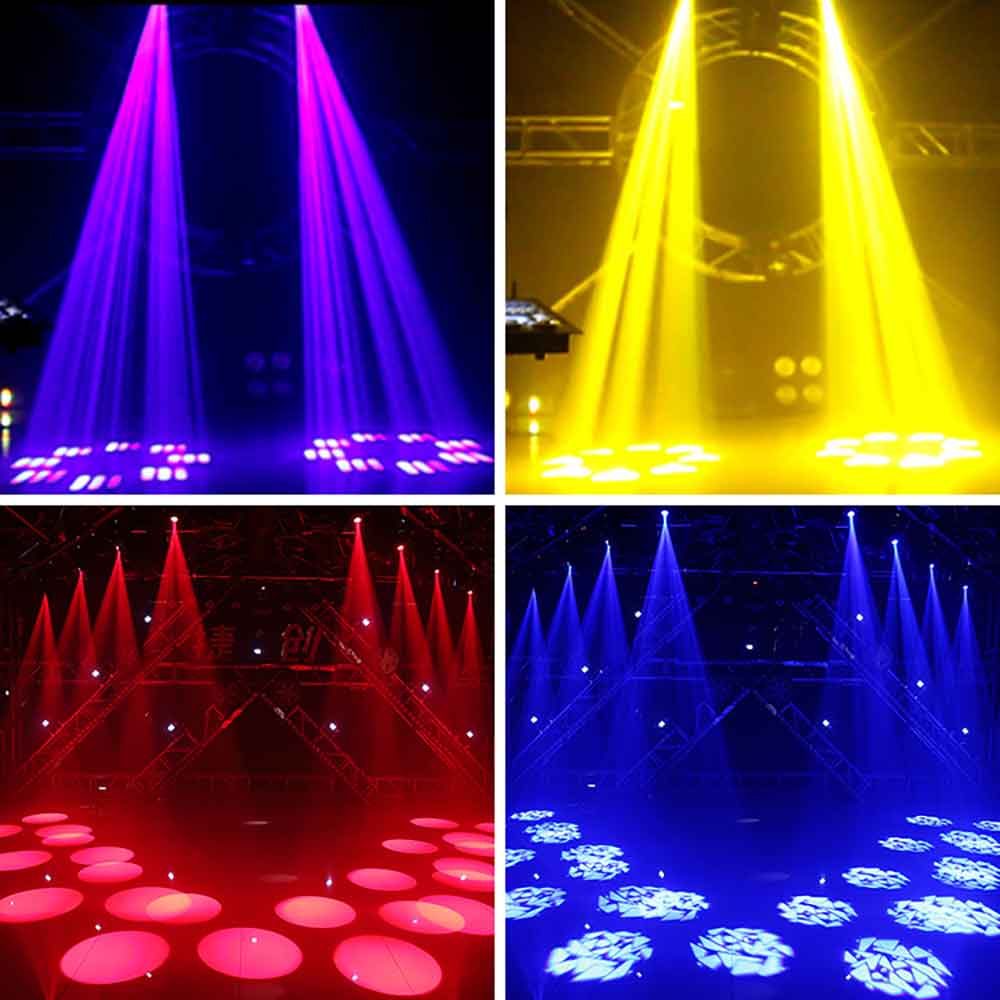
This Moving Head Stage Lights provides a powerful and bright light beam with its 230W 7R Beam Light and high-efficiency optical lens. The brightness can be easily adjusted from 0 to 100% for different lighting requirements. With 15 colors (14 colors + white), half-color effect, and linear rotation; 17 patterns; and 8 prism effects (with dual-direction rotation and haze function), this stage light offers a wide range of lighting effects to create captivating performances.

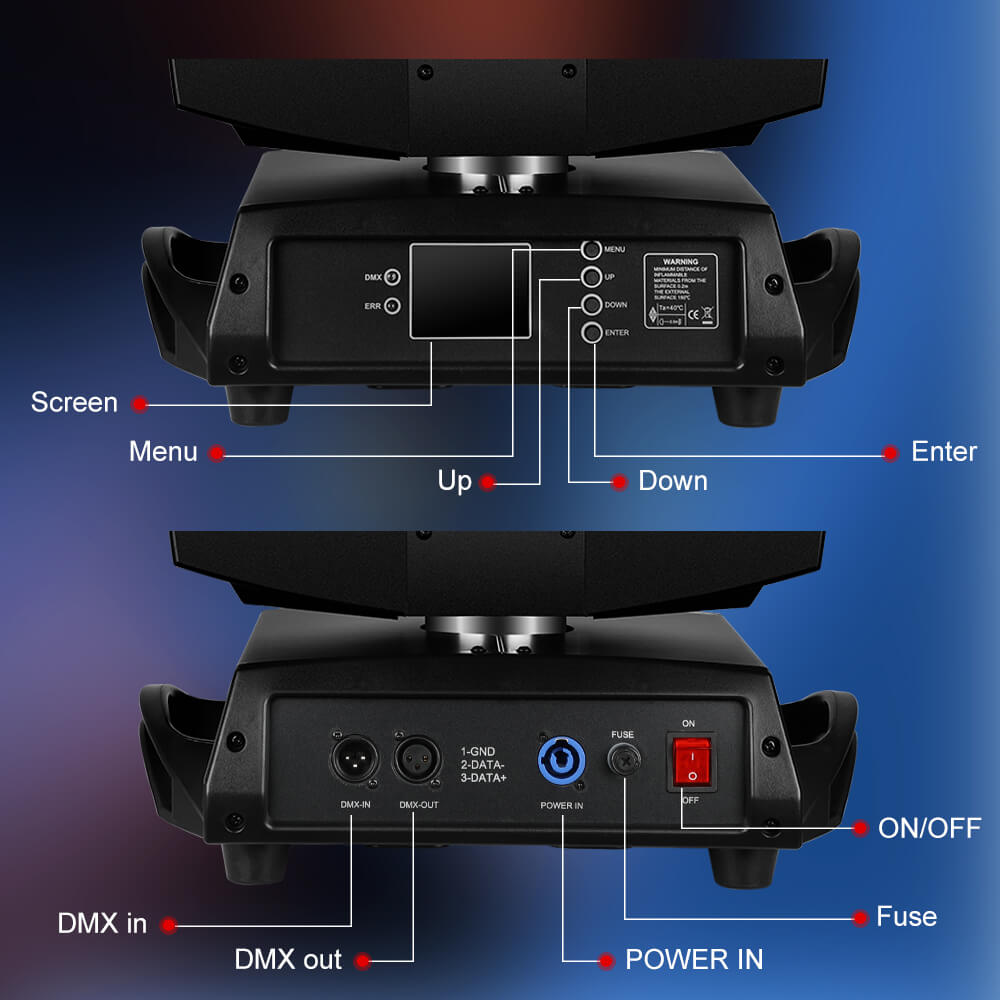
The stage light is equipped with an axial fan for enhanced ventilation and an LCD display showing hours of use. The stage light has a built-in error analyzer, making it more convenient in use. Perfect for DJs, dance halls, KTV, parties, discotheques, theaters, weddings, churches, bars, special events, Halloween, Christmas, and home party lighting. Bring vibrant and dynamic lighting effects with our professional moving head stage lights.

Auto Running: the light changes according to the built-in program. Sound Activated: The light changes according to the sound (or music) rhythm,so your applause can also create a colorful world. DMX 512: You can control the light through the DMX console. Mater Slave: If you have any of the stage lighting instruments as the host for the controller set, the others automatically follow the synchronous movement.It also offers 540° pan and 270° tilt with auto position correction.
Scene Display


LB230 vs. CLB260-O
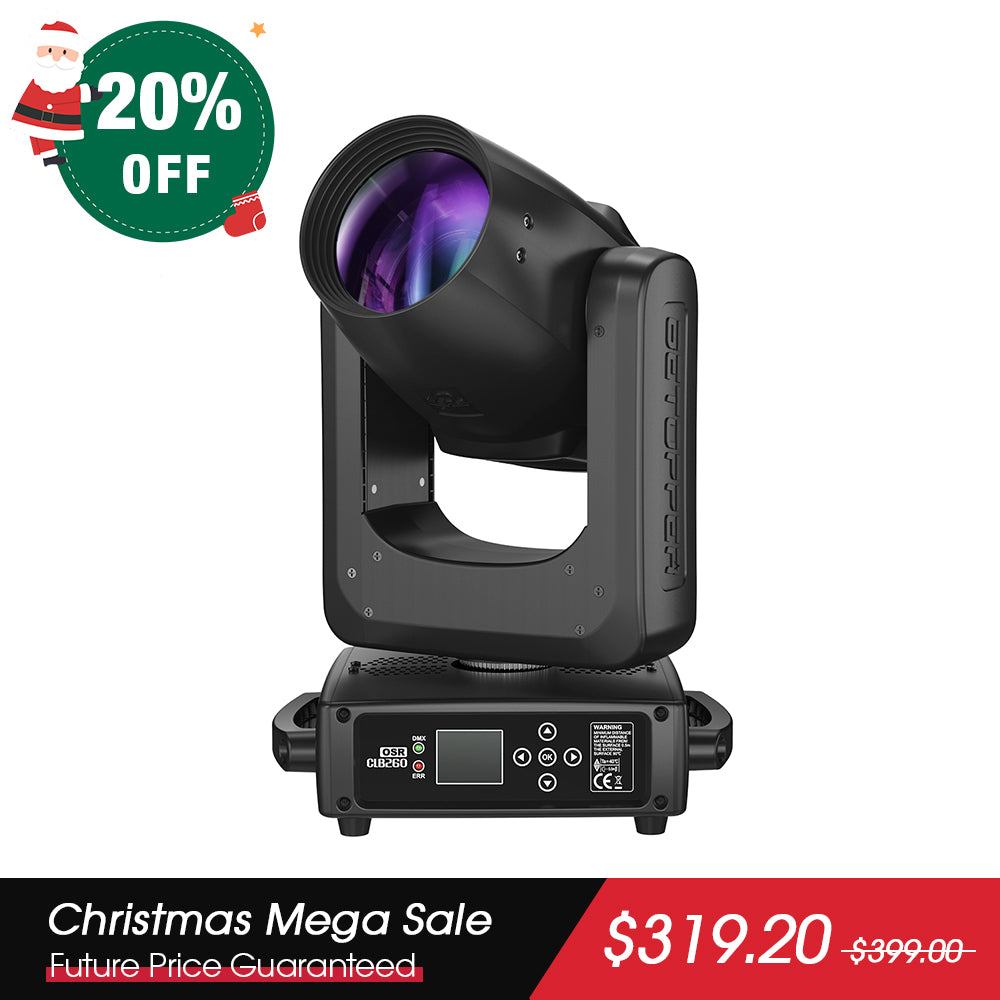
230W Osram bulb
251W Osram bulb
Valu17.5kg/38.58lbs
6.2kg/13.67Ibs
122000 Lux
178900 Lux
14 colors + white
11 colors + white
17 gobos + blank
13 gobos + open
16/20CH
12CH
540°/270°
540°/270°
100-240VAC/50-60HZ
100-240VAC/50-60HZ
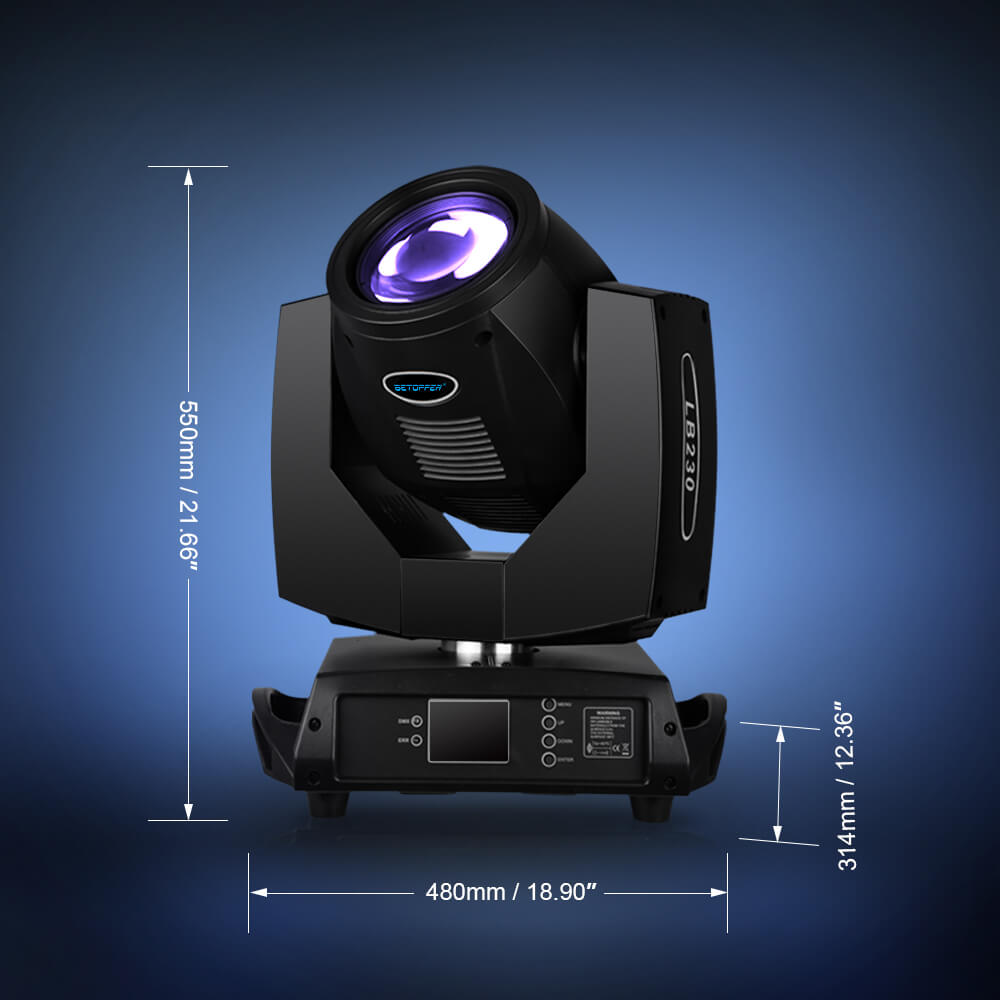
18.9*12.4*21.6 inch
10.8*7.8*16.9 inch
8-facet prism
8-facet prism
8000K
7900±300K
8°
2.8°
FAQ
Is this light DMX capable?
The LB230 is indeed compatible with most DMX consoles on the market.
How long the bulb last?
The average lifespan of the bulbs is between 2000 to 2500 hours.
Yes, you can still operate the different menu options of your lighting equipment even without a DMX controller, but it depends on the specific features and capabilities of your lighting fixture. Many modern intelligent lighting fixtures come with built-in control options that allow you to access and adjust settings directly from the fixture itself or via alternative methods. Here are some common ways to control lighting equipment without a DMX controller:
---
### 1. **Onboard Menu (Fixture's Control Panel)**
- Most intelligent lighting fixtures have an onboard menu system accessible via buttons, dials, or a small LCD screen on the fixture itself.
- Using these controls, you can manually navigate through the menu options to adjust settings such as colors, gobo patterns, pan/tilt positions, dimming, strobe effects, and more.
- This method is ideal for standalone operation when you don't have a DMX controller.
---
### 2. **Remote Control (IR or Wireless)**
- Some lighting fixtures come with a remote control (either infrared or wireless) that allows you to access the menu options and make adjustments remotely.
- Check if your fixture supports this feature and whether a remote is included or available as an accessory.
---
### 3. **Sound-Active Mode**
- Many lighting fixtures have a sound-active mode that allows them to respond to audio input (such as music). In this mode, the fixture automatically triggers various effects based on the beat or volume of the sound.
- While this doesn't give you full manual control, it can be a useful option for creating dynamic lighting effects without a DMX controller.
---
### 4. **Master/Slave Configuration**
- If you have multiple fixtures, you can set one fixture as the "master" and others as "slaves." The master fixture controls the slaves via a daisy-chained connection.
- In this setup, the master fixture can often be controlled using its onboard menu, and the slave fixtures will follow its commands.
---
### 5. **Automatic Programs**
- Many lighting fixtures come preloaded with automatic programs that cycle through various effects, colors, and patterns.
- You can typically activate these programs using the onboard menu or by setting the fixture to "Auto" mode.
---
### 6. **Alternative Control Methods**
- **Art-Net or sACN:** If your fixture supports Art-Net or Streaming ACN (sACN), you can use software on a computer or mobile device to control it over a network connection.
- **Bluetooth/Wi-Fi Apps:** Some modern fixtures support Bluetooth or Wi-Fi connectivity, allowing you to control them via a smartphone app.
- **RDM (Remote Device Management):** If your fixture supports RDM, you may be able to configure and control it remotely using compatible software or hardware.
---
### 7. **Manual Operation Without DMX**
- For simpler fixtures (like LED par cans or basic moving heads), you might be able to operate them in standalone mode without any external control. This usually involves setting the fixture to a default mode where it runs preprogrammed effects.
---
### Steps to Access Onboard Menu:
If your fixture has an onboard menu, here’s how you can typically access it:
1. Locate the control panel on the fixture (usually on the back or side).
2. Use the buttons or dial to navigate through the menu options.
3. Adjust settings as needed (e.g., choose colors, set addresses, or configure operating modes).
4. Save your changes if required.
---
### Final Recommendation:
If your lighting fixture does not have an onboard menu or alternative control methods, you may need to invest in a basic DMX controller to unlock its full potential. However, for many users, the onboard controls or alternative methods listed above are sufficient for standalone operation.
Let me know the specific model of your lighting fixture if you'd like more detailed guidance!
Yes, you can check the manual for specific operations.
Who pays for the shipping fee for 30-day no-reason return?
If the return is caused by the consumer, consumer should be responsible for the shipping fee. The specific fee should be based on the express company you choose.
If due to our reasons, the goods received are damaged or not correct, and the consumer is not required to bear the shipping fee for this reason.

免責事項
製品データについて
本ウェブサイトに掲載されているすべての製品仕様、性能データ、画像およびデモンストレーション効果は、Betopper社の実験室において特定条件下で行われたテスト結果に基づいています。
これらの情報は参考目的のみであり、実際の使用環境や条件によって結果が異なる場合があります。
使用環境について
Betopperのステージ照明製品は、各地域の安全規制を遵守し、適切な環境下でご使用ください。
以下の環境での使用は避けてください
- 高温・高湿度の場所
- 換気が不十分な場所
- 可燃性物質の近く
- 防水仕様でない製品を屋外で長時間使用すること
※屋外使用が可能な製品は、製品仕様に明記されています。
責任に関する免責
以下の原因によって生じた損害・事故について、Betopperは一切の責任を負いません。
- 無断改造
- 不適切な取り付け
- 誤った使用方法
- 製品の想定用途を超えた使用
専門業者による設置が必要
すべてのステージ照明機器は、専門知識を有する技術者によって設置・操作される必要があります。
ご使用前には、必ず公式ユーザーマニュアルをご確認ください。
ビームライト使用時の安全に関する注意
ビームライトは、近距離で同一の対象物や表面に長時間固定照射することを想定して設計されていません。
高出力ビームを同じ箇所に継続して照射すると、過熱、変色、または照射対象物の表面損傷を引き起こす可能性があります。
安全かつ最適に使用するため、以下を必ず遵守してください。
- 同一点への長時間照射を避ける
- 常時使用する場合は、ムーブメントや回転エフェクトを使用する
- 十分な換気を確保し、照射対象物との安全距離を保つ
- 光源を直視しないこと、また観客の目に向けて照射しないこと
利用規約への同意
本ウェブサイトを利用し、当社製品をご購入いただいた時点で、上記すべての条件および注意事項に同意したものとみなされます。