


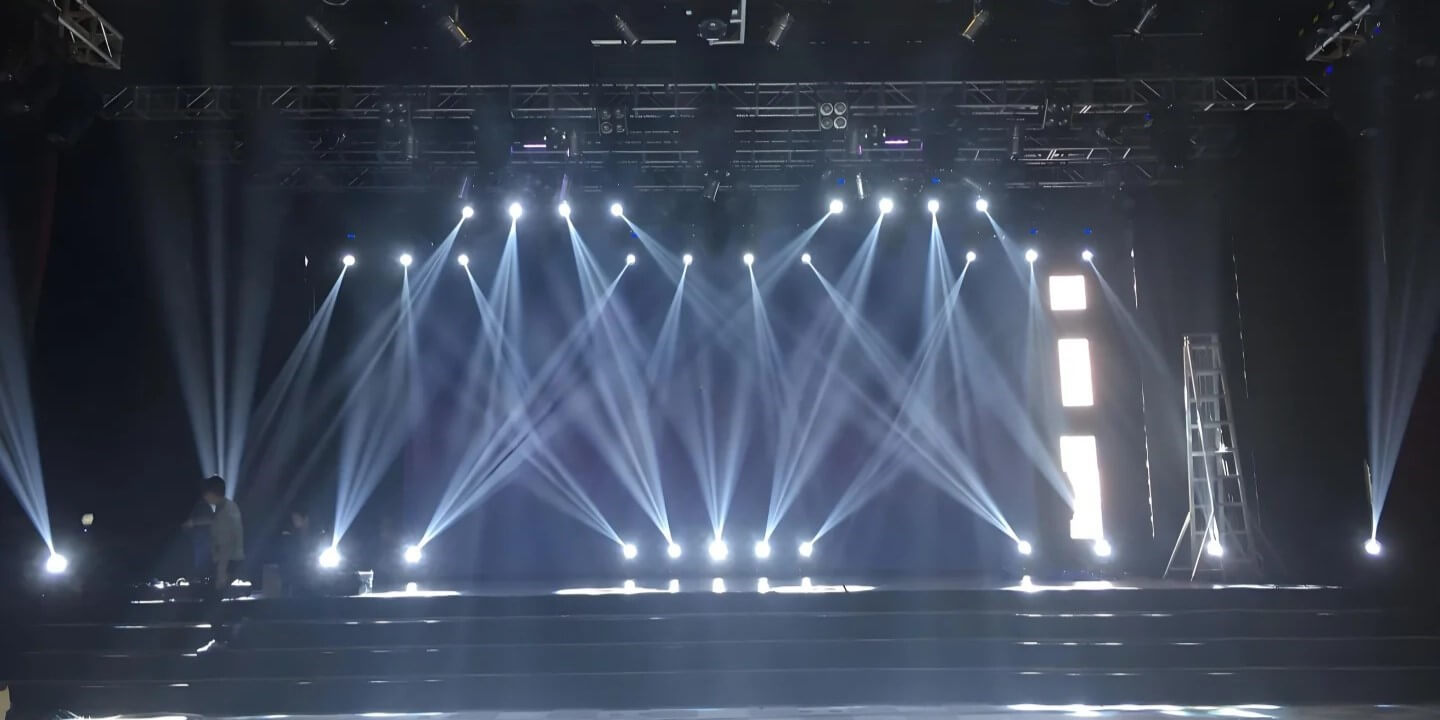
Introduction
Indoor stage lights are built for repeated use, but they still need basic care. Dust, haze residue, fingerprints, blocked vents, poor storage, and rough transport can slowly reduce performance and increase the risk of problems over time.
The good news is that maintenance does not have to be complicated. For most DJs, small event teams, churches, schools, and indoor venues, the most important habits are simple: keep the fixture clean, protect the lens, maintain airflow, store it dry, and handle it carefully during transport.
This guide focuses on practical maintenance that everyday users can safely perform. It is not a repair manual, and it does not encourage opening the fixture or touching internal optical or electrical parts.

Why Indoor Stage Lights Still Need Maintenance
Some users assume that indoor stage lights do not need much care because they are not exposed to rain or outdoor dust. But indoor environments still create problems.
DJ events, bars, banquet halls, churches, and small stages often have dust, haze, fog residue, fingerprints, fabric lint, and heat buildup. Over time, these can affect brightness, cooling, fan noise, lens clarity, and overall reliability.
Even indoor fixtures should be kept in dry conditions, used with clear ventilation, and checked regularly. Betopper product manuals also emphasize that fixtures should be used in indoor dry environments, kept properly ventilated, and disconnected from power before cleaning or maintenance.
Clean the Exterior and Lens the Right Way
Before cleaning any stage light, always turn off the power, unplug the fixture, and allow it to cool down. Never clean a hot fixture immediately after use.
For the exterior housing, use a soft dry cloth or a slightly damp microfiber cloth. Avoid excessive moisture. Do not spray cleaning liquid directly onto the fixture, especially near vents, buttons, display panels, seams, power ports, or DMX ports.
For lenses and optical surfaces, be extra careful. Use a soft microfiber cloth and wipe gently. Fingerprints, haze residue, and dust should be removed before they build up, but rough wiping can scratch coated optical surfaces.
Avoid strong household cleaners, corrosive chemicals, alcohol-heavy solutions, or abrasive materials unless the product manual specifically allows them. The LM120 manual specifically notes that optical components should be wiped gently and that destructive solvents should not be used on coated or plastic surfaces.
Keep Fans and Air Vents Clear
Dust is not only a cosmetic problem. It can block airflow and increase heat.
Many moving heads, PAR lights, wash lights, and effect fixtures rely on fans and ventilation openings to keep internal temperatures stable. If vents are blocked by dust, fabric, wall placement, DJ booth covers, or storage debris, the fixture may run hotter than intended.
Check air vents and fan openings regularly. Use a soft brush, clean cloth, or gentle air blower to remove visible dust. Do not force dust deeper into the fixture, and do not insert hard objects into fan openings.
During operation, keep enough space around the fixture for airflow. Do not place lights directly against curtains, walls, tablecloths, cases, or other equipment that blocks ventilation. If you notice abnormal fan noise, unusual heat, burning smell, or unstable output, stop using the fixture and inspect it before the next event.
Betopper manuals mention keeping ventilation openings clear and cleaning dust from fan and vent areas as part of proper care.
Do Not Open the Fixture Unless You Are Qualified
Routine maintenance should focus on safe external cleaning and inspection. Users should not open the fixture housing unless they are qualified and authorized to do so.
Inside a moving head or advanced stage light, there may be lenses, color wheels, gobos, prisms, motors, belts, circuit boards, power components, and other delicate parts. Touching or cleaning these parts without proper knowledge may cause damage, misalignment, electrical risk, or warranty issues.
If you see internal dust, fogged optics, unusual noise, pan/tilt problems, overheating, damaged lenses, or control issues that cannot be solved through normal operation, contact professional support instead of opening the fixture yourself.
The BSW200 manual states that there are no user-serviceable parts inside and that maintenance should be handled by professional service personnel when needed.
Store Lights in a Dry, Safe Place
Good storage is part of maintenance.
After each event, let the fixture cool down completely before packing it. Do not place a hot light directly into a sealed case or bag. Heat and trapped moisture can affect internal components over time.
Before long-term storage, wipe visible dust from the housing and lens, check that the fixture is dry, and remove any haze or fog residue if possible. Store lights in a dry, ventilated, temperature-stable place.
Avoid damp basements, hot car trunks, outdoor sheds, or storage rooms with high humidity. Also avoid stacking heavy items on top of fixtures.
Whenever possible, use the original packaging, a flight case, or a padded bag. Good protection helps reduce impact damage during storage and transport. The BSW200 manual also recommends disconnecting power when the fixture is not used for a long time and using the original packaging when transporting again.
Transport and Setup Habits That Prevent Damage
Many stage light problems come from transport, not performance.
Do not carry a moving head by pulling the head, power cable, DMX cable, bracket, or connector. Hold the fixture by its base, handle, or proper carrying area. Keep lights secured during transport so they do not roll, slide, or hit other equipment.
For mobile DJs and event teams, use cases, padding, or dividers whenever possible. Avoid placing speakers, stands, clamps, or heavy cables directly on top of lenses or moving parts.
During setup, check clamps, brackets, screws, safety cables, power cables, and DMX cables before powering on. If the fixture is mounted overhead, use a proper safety cable and make sure the mounting structure can support the fixture weight. If placed on the floor, keep it away from guest walking paths to avoid kicks, trips, or cable pulls.
The BSW200 manual includes guidance on proper handling and safety cable use for suspended installation.
Simple Maintenance Schedule
| Frequency | What to Check |
|---|---|
| After every event | Wipe visible dust, check lens, cables, clamps, and housing |
| Every few weeks | Clean vents, fan openings, exterior surfaces, and lens if needed |
| Every 1–2 months | Check fan noise, pan/tilt movement, DMX ports, and power connection |
| Before storage | Cool down, clean, dry, disconnect power, and pack properly |
| Before major events | Test movement, dimmer, colors, control modes, and all fixtures |
For high-use fixtures, maintenance should be more frequent. For lower-use indoor fixtures, a regular quarterly check may be enough. The key is consistency.
Final Advice: Small Habits Protect Long-Term Reliability
Indoor stage lights do not need complicated maintenance, but they do need regular care.
Keep the lens clean, protect the optical surface, remove dust from vents, maintain airflow, store fixtures dry, and transport them carefully. These small habits can help reduce avoidable problems and keep your lighting setup more reliable over time.
If a fixture shows abnormal heat, strange noise, visible damage, unstable movement, or control problems, do not keep forcing it through events. Stop, inspect, and contact professional support if needed.
Need help choosing or maintaining your Betopper lighting setup?

Leave a comment
This site is protected by hCaptcha and the hCaptcha Privacy Policy and Terms of Service apply.